Wondering what is Spotify Canvas and whether that looping video earns its keep? Here are the specs that matter and an honest read on the payoff.
A Canvas is the only music video in the world that nobody has to press play on. It just starts, quietly, behind the song, while somebody is deciding whether to skip you.
So: what is Spotify Canvas? It is the short vertical video loop that plays on the now-playing screen in the Spotify mobile app instead of your static cover art. Three to eight seconds, no sound, endlessly repeating. You upload it yourself through Spotify for Artists, per track, and you can swap it whenever you like.
That is the whole feature. The interesting part is what it does to the two seconds where a listener decides whether you are worth their attention.
What is Spotify Canvas actually doing for you
It is not a promo channel. Nobody browses Canvases. The only people who see yours are people who already opened your song, which sounds useless until you remember that most of your streams die in the first fifteen seconds.
A Canvas gives those people something to look at. It also makes your track shareable in a way a JPEG is not, because when somebody shares the song to a story, the loop goes with it. Spotify has publicly claimed meaningful lifts in shares and saves for tracks with a Canvas, and independent artists tend to report the same direction of travel, usually modest single-digit or low double-digit percentage bumps rather than anything life-changing. Treat those as typical, not as a promise.
The honest summary: it is a retention and identity tool, not a discovery tool.
The specs that matter
You do not need a production budget. You need to hit the frame.
- •Vertical, 9:16. Portrait only. A cropped landscape clip looks like a mistake.
- •Roughly 720 by 1280 pixels or better. Higher is fine, gigantic is pointless.
- •MP4 video, three to eight seconds. It loops automatically, so shoot for a clip that can start again without a jolt.
- •Silent. The audio track is ignored. If your idea only works with sound, it is not a Canvas idea.
- •Keep the middle clear. Track title, artist name and the player controls sit on top of your loop. Anything important in the lower third gets buried.
One more rule that is not in the spec sheet: no text. Spotify does not want your loop turning into an advert, and honestly, text in a three-second loop reads like a supermarket sign anyway.
What makes a loop work rather than distract
The good ones are boring on purpose. A hand moving through smoke. A neon sign flickering. A slow push on a face. The clip should feel like the song is breathing, not like a second song is competing with it.
Things that consistently fail:
- •Hard cuts every half second. It reads as a glitch, not as energy.
- •A full performance clip crammed into four seconds. Too much happening, no shape.
- •A loop with a visible seam, where frame one and frame eight do not match, so it stutters forever.
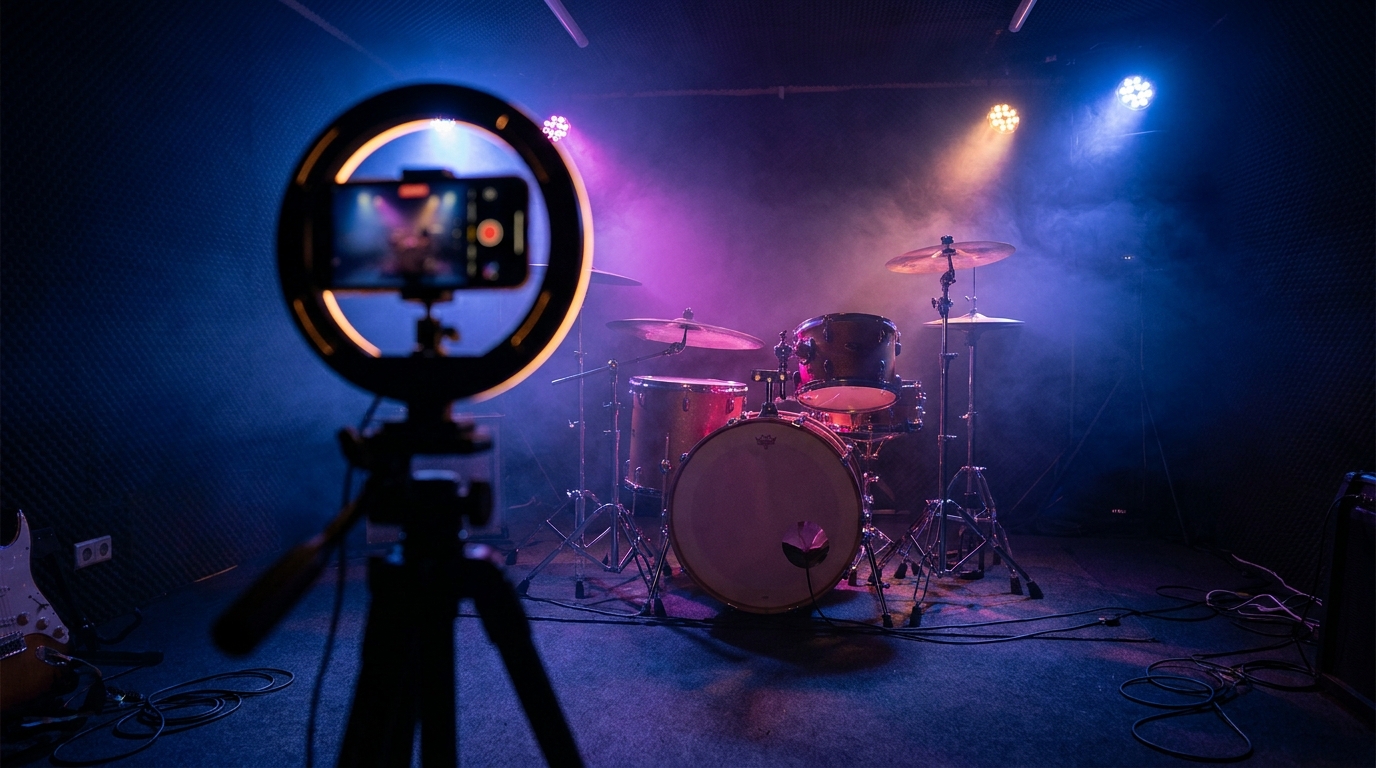
The cheapest trick that works: shoot ten seconds of something slow on your phone, trim to a section where the start and end look nearly identical, and let it run. Grain, hands, water, fabric, headlights. It costs nothing and it looks deliberate.
Do a whole release at once and keep them related. Same palette, same texture, different subject. That is how a set of singles starts to look like a body of work instead of five separate accidents.
So is it worth making?
Yes, with the caveat that you should spend about an hour on it and not a weekend. A Canvas will not fix a song nobody wants, and it will not move you up a playlist. What it will do is make your page look like somebody is actually running it, which matters more than people admit when a curator or a potential fan is deciding whether you are a real band or a folder of uploads.
If you are trying to work out where a Canvas sits in the wider picture, it is worth understanding how the money on streaming platforms actually flows, and treating your loops as part of the same visual habit you build on social platforms as a musician. One aesthetic, everywhere. That is the entire game.
Speaking of which. We built the promotion side of Road to Headliner on that same logic, because it is how it works in real life: your marketing and press choices shape whether a release gets noticed, and the marketing and PR guide walks through how a push actually lands. You will not be uploading video loops in the game, but you will be making the same call, which is how much polish a release deserves before it goes out.
Make the loop. Make it slow, make it silent, make it look like your band. Then go and worry about the song, which is still the thing that decides everything.
Want to run a band where every one of those small decisions compounds? Start one free in your browser and see how far you get.